FeaturesDocs themes
Six looks for your docs. One line to switch.
Pick a theme, then change any part of it: the layout, the fonts, the corners, light or dark. It’s one line in typemark.json or a click in Settings.
Every theme, layout and font on every plan. Your own font files are on Pro and Enterprise.
14-day Pro trial, no card. Your content stays in Git.
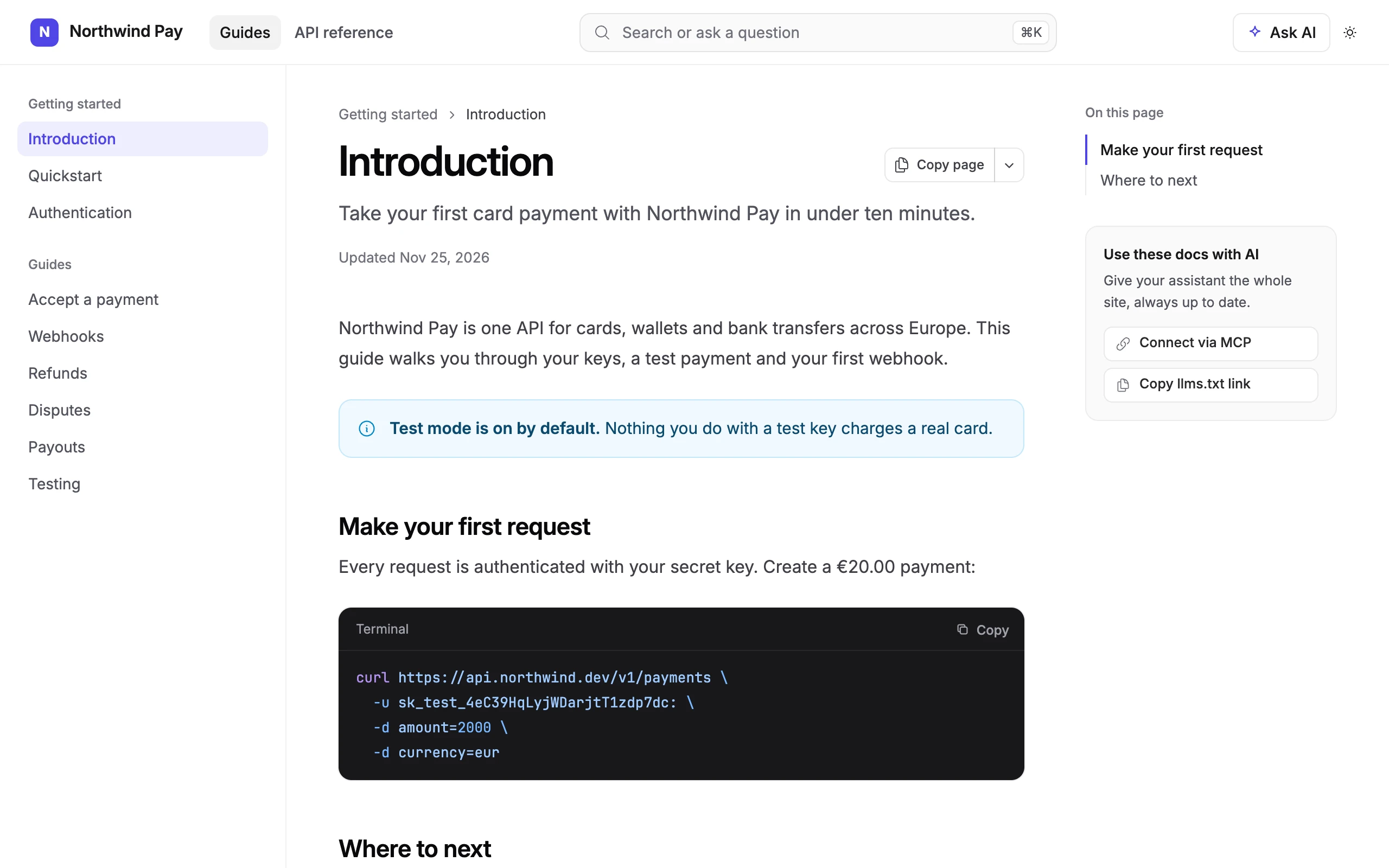
Base: Quiet and neutral. Every site starts here. The classic layout, Inter and JetBrains Mono, soft corners.
A starting point
A theme picks a layout, fonts and a look for every part of the page. Change one part and the theme keeps the rest.
Six layouts
Classic, sections, Ask AI open beside the page, code beside the text, a home page built around search, and wide.
12 fonts, or your own
Nine text fonts and three code fonts, hosted by Typemark, so readers’ browsers never fetch them from another site. On Pro, add your own font files.
How it works
- 1
Pick a theme
In Settings → Look and feel, or set "theme" in typemark.json.
- 2
Make it yours
Change the layout, the fonts, the corners, the sidebar, the code blocks, and whether the site opens light or dark.
- 3
Publish
The look is set on the server, so pages arrive styled. typemark dev previews it on your machine first.
- Can I switch themes later?
- Yes. Change the theme and everything you didn’t set yourself follows it. What you did set stays.
- Does my colour and logo stay?
- Yes. Every theme uses your colour and logo.
- Can readers switch between light and dark?
- Yes, from the header. Halo and Console open dark, the others follow the reader’s system. Turn the switch off and every reader sees the one you choose.
- Will typemark check catch a mistake?
- Yes. A value Typemark doesn’t know is a warning in typemark check and in the build, and the site uses the theme’s own value instead.
More features
- Import with AIAI rebuilds each page with Typemark’s components and checks it against the original, code line for line. See a private draft before you sign up.
- Visual editor on GitWriters get a document editor. Engineers get Markdown files, commits and pull requests. Both edit the same pages.
- CLIWrite in your own editor, preview locally, check for broken links and publish, with commands your coding agent can run too.